How to Make the Most of Your Online Purchases
This post was sponsored by Giving Assistant. All opinions in this post are my own.
If you’re a savvy online shopper, you know that it’s possible to save on your online purchases by using promo codes and cash back sites. Unfortunately, finding a promo code that works isn’t always easy, and actually getting cash back from what you buy doesn’t always work out.
It can be really frustrating.
This week I tried out a new cash back site called Giving Assistant, and so far I’m loving how easy it was to use and navigate.
Similar to other cash back websites, Giving Assistant lets you earn cash back on your online purchases. However, it has a few different features that make the whole process a lot more pleasant:
- You only need to earn $5.99 in cash back to be paid. Most other cashback sites require that you accumulate $25.00 in cash back before they’ll send you a check.
- You earn the full commission on each purchase – most other sites will only pay you 50 percent of the commission.
- You can choose to donate a percentage of your cashback to the charity of your choice.
- Giving Assistant will make a small donation to Feeding America to give one meal every time cash back is earned.
- If you sign up here, you will get a $5.00 credit on your account just for trying out Giving Assistant.
I tried out Giving Assistant for the first time this week, and it was simple to set up my account. All I had to do was enter my email address and a password, and my account was set up.
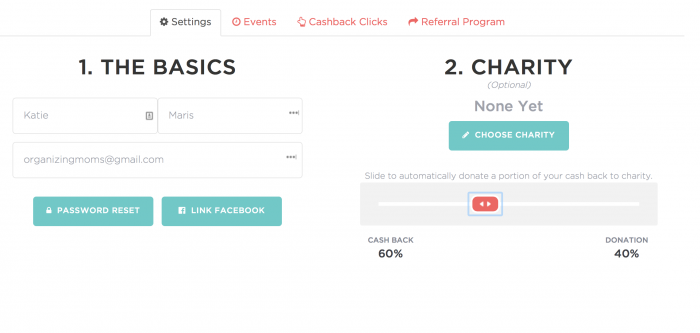
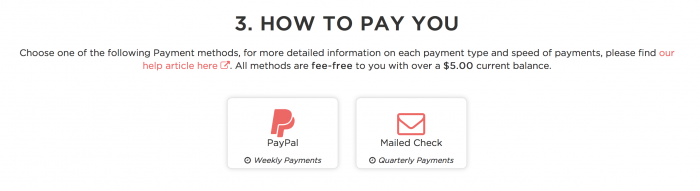
I went into the settings of my account to enter my charity, and my payment information. I chose PayPal so I could get paid more frequently.
Then, I started shopping!
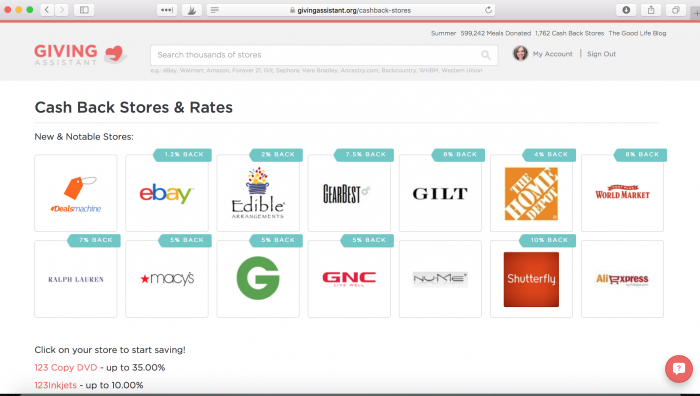
There are over 1,700 stores to choose from, and many of them also offer coupon codes. You can click on the coupon codes from the Giving Assistant page to make sure they apply to your order.
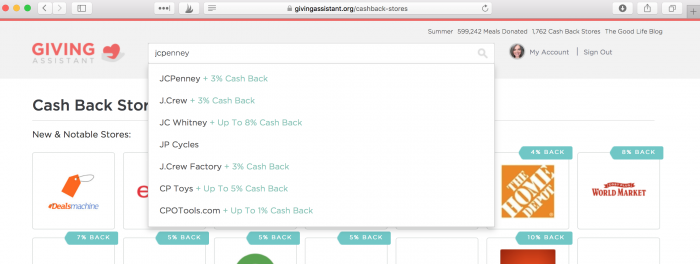
I’d been meaning to order a new pair of capris, so I searched the Giving Assistant site to find JCPenney.
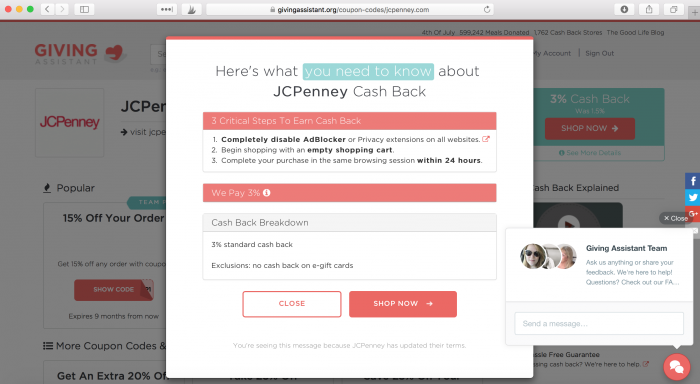
Once I clicked on JCPenney, I saw this message that indicated that I’d earn three percent back on the purchase. After clicking “Shop Now” I was directed to the JCPenney website.
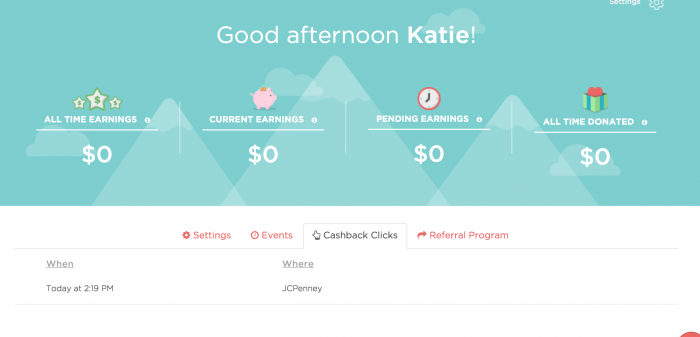
I bought my capri pants through the JCPenney website, and then I clicked back over to Giving Assistant to see if my purchase had been logged. There it was!
After the purchase is finalized, many retailers have a waiting period before paying out a commission, just like on other cash back sites.
If you’re looking for organizing supplies, you can use Giving Assistant to make purchases from The Container Store, Target, and Cost Plus World Market.
I love that Giving Assistant lets us choose what charities we want to contribute to (if we want to donate part of our cashback at all!), while also donating to Feeding America for every purchase we make at no cost to us.
If you’d like to try out Giving Assistant, you can use this link to get a free $5.00 credit on your account. Since the payout threshold is only $5.99, you’ll be eligible for your payment once your first purchase has posted!
Happy shopping!
New to this community? Start here, friend!

That’s so neat! I’ve never heard of Giving Assistant, and I’m thrilled The Container Store is on there. The closest one to me is about an hour away so ordering online (and getting money back while doing it) would be wonderful! 🙂